Search For Content
UiPath.Box.Activities.Search.SearchForContent
The Search for Content activity uses the Box Search for content API to retrieve the items that match your search parameters (Keyword).
After retrieving the items, the activity outputs the found file details in an BoxFile[] (Files) object and found folder details in an BoxFolder[] object (Folders).
How it works
The following steps and message sequence diagram is an example of how the activity works from design time (i.e., the activity dependencies and input/output properties) to run time.
- Complete the Setup steps.
- Add the Box Scope activity to your project.
- Add the Search for Content activity inside the Box Scope activity.
- Enter a value for the Input property.
- Create and enter
BoxFile[]andBoxFolder[]variables for the Output properties.-
Your input property values are sent in the Search for content API operation request.
-
The operation returns the
BoxFile[]andBoxFolder[]values to your output property variables.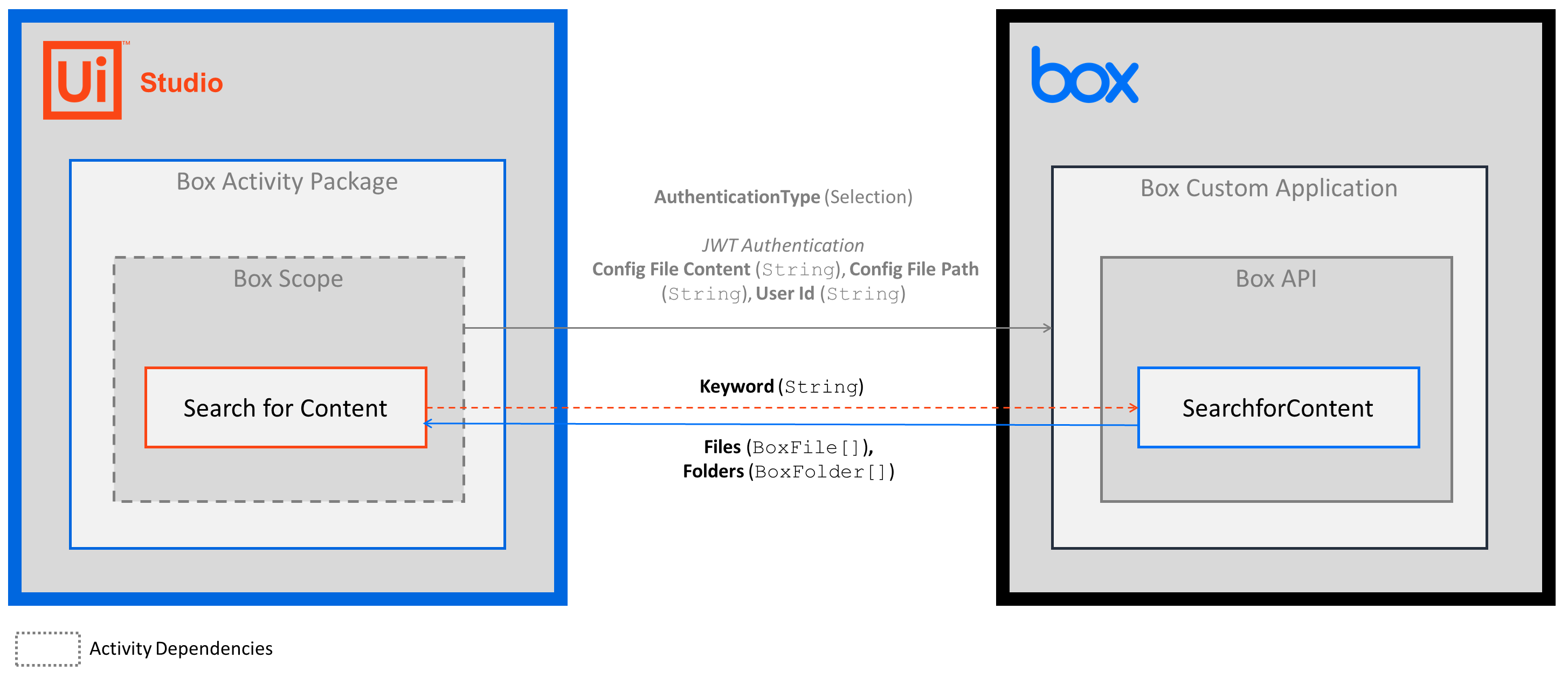
-
Properties
Common
- ContinueOnError - Specifies if you want the activity to continue running when an error is thrown. This field supports only
Booleanvalues. - DisplayName - The display name of the activity. This field supports only
StringsorStringvariables.
Input
- Keword - The keyword that you want to search for. This field supports only
StringsorStringvariables. The activity searches object names, descriptions, text contents of files, and other data.
Misc
- Private - If selected, the values of variables and arguments are no longer logged at Verbose level.
Options
- Max Items to Return - The maximum number of results that you want returned. Enter an
Int32orInt32variable. The maximum number of items that get returned is 1,000.
Output
- Files - The
IEnumerable<BoxFiles>object that includes the file items. Enter aBoxFiles[]variable. - Folders - The
IEnumerable<BoxFolder>object that includes the folder items. Enter aBoxFolder[]variable.