Unused Mocking
Rule ID: TA-DBP-004
Scope: Project
Description
This rule checks if the mock workflows have at least one mock activity.
Recommendation
Consider including a mock activity if you are using mock workflows.
Configure Rule
-
In the Design ribbon, navigate to Analyze File > Workflow Analyzer Settings.
-
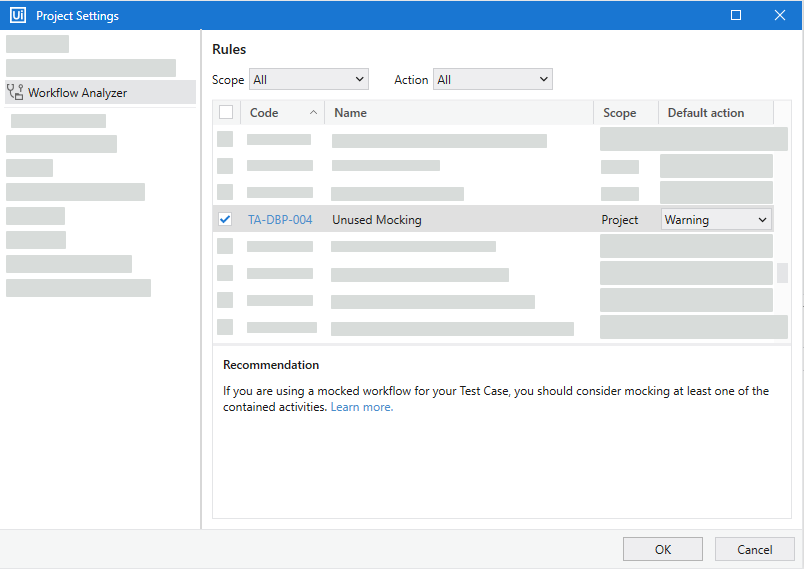
Go to Workflow Analyzer to view the rules.
-
Select Unused Mocking and configure the default action.
-
Click OK to save changes.
Reset to Default Value
To reset the rule to the default configuration, right-click it and select Reset to default.