Test Case Includes Too Many Branches
Rule ID: TA-DBP-007
Scope: Workflow
Description
This rule checks if a test case is using any If statements. The default is set to 0. This is applicable to the following activities:
- If
- Switch
- Flow Decision
- Flow Switch
important
You can apply this rule only for test cases that have been published. This helps you to exclude template files or temporary backups.
Recommendation
Consider having a specific test focus and a clear outcome by testing only one variation of a certain process at a time.
Configure Rule
-
In the Design ribbon, navigate to Analyze File > Workflow Analyzer Settings.
-
Go to Workflow Analyzer to view the rules.
-
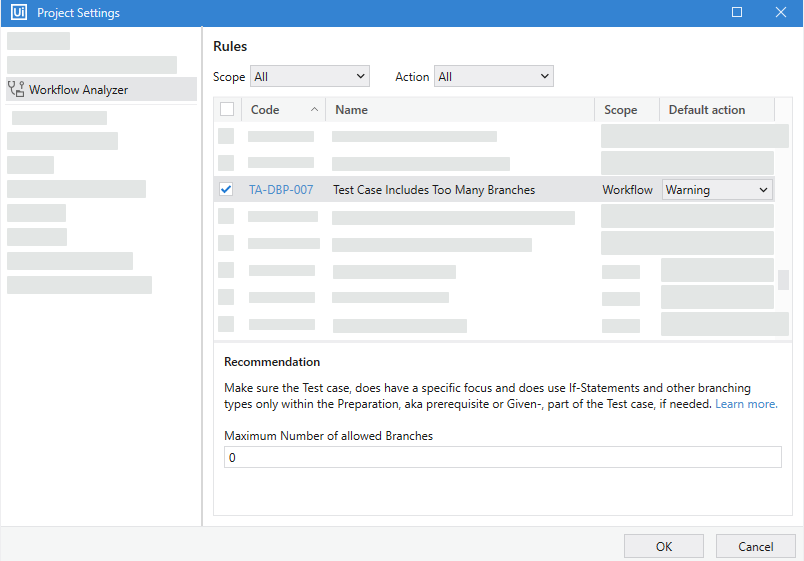
Select Test Case Includes Too Many Branches and configure the default action.
-
Set a Maximum Number of Allowed Branches value.
-
Click OK to save changes.
Reset to Default Value
To reset the rule to the default configuration, right-click it and select Reset to default. This resets the "Maximum Number of Allowed Branches" to 0.