Transition
System.Activities.Statements.Transition
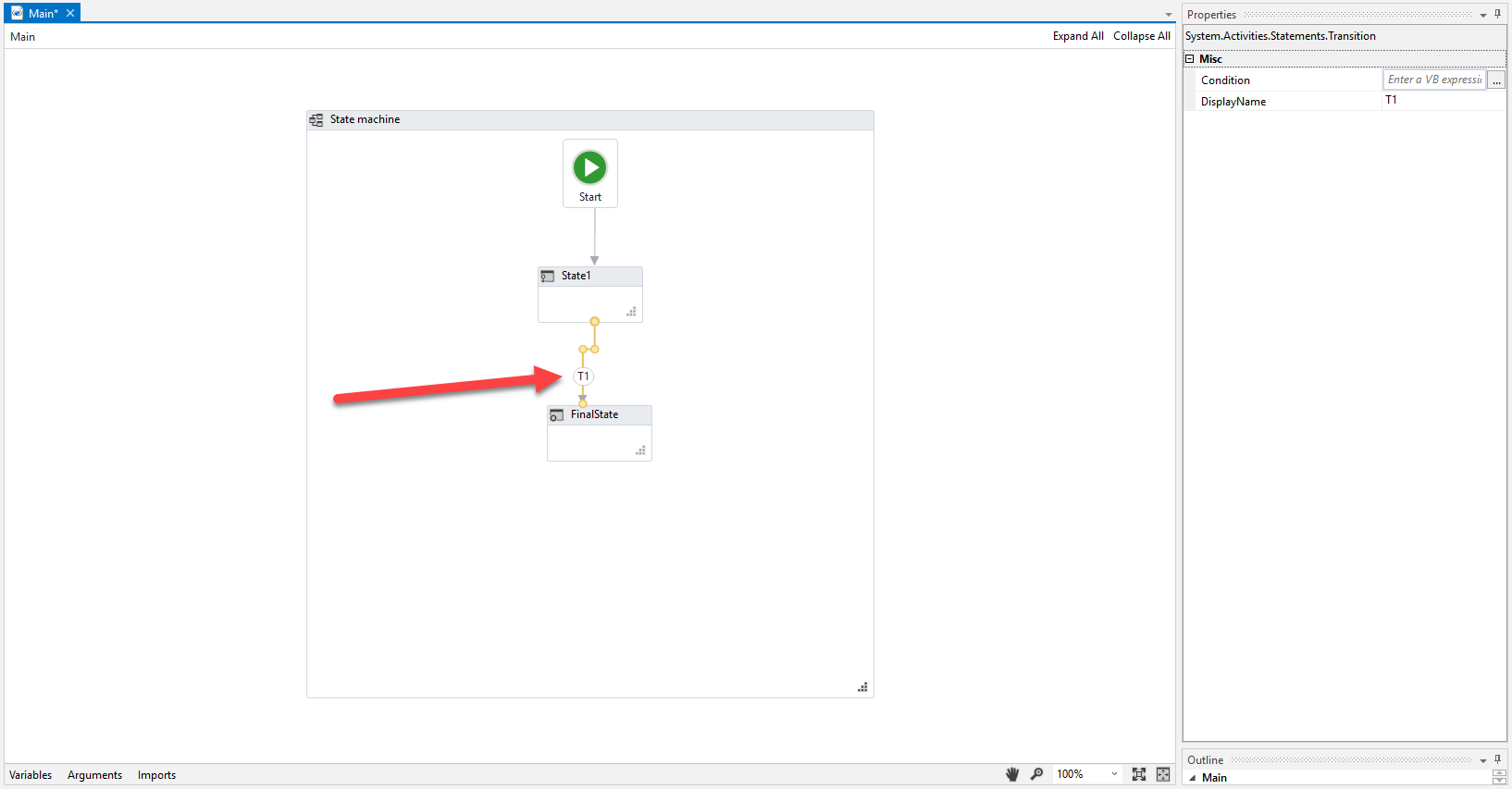
The Transition activity cannot be dragged from the Activities Panel, like a conventional activity. It is generated when you link a State to another State or to a Final State, within a State Machine container. This activity helps you input conditions under which the automation project can pass from one State to another. You can find out more about state machines on our documentation platform or in the official Workflow Foundation documentation.
note
States can be linked to multiple Transitions, each describing a possible way to pass from a State to another.
Properties
Misc
- Condition - The condition under which the State can be transcended. Only accepts Activity<Boolean> variables.
note
Line breaks are not supported in the condition expression.
- DisplayName - The display name of the activity.