Importing an app
The Importing option allows you to create a new app from a file.
note
Apps created using Automation Suite Apps cannot be imported in Automation CloudTM instances.
Creating a new app from a file
-
On the Build tab, click the Create new app button.
-
Give the new app a name.
-
Click on the Import from file link.
-
Browse to the
*.uiappfile you wish to import and click Open. -
Click the Create button.
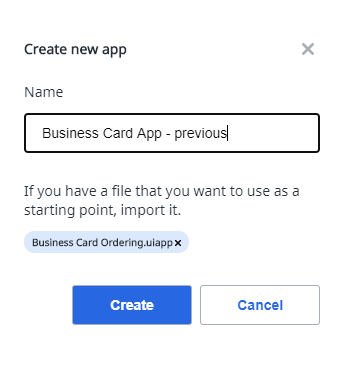
The new app will be created and you'll see the main page for the app.
Apply app templates
Check out these Sample App Layouts to try this out.