Referencing a storage bucket from Orchestrator
The File uploader control and the Upload file to Storage bucket rule can use files that are stored in a storage bucket in Orchestrator.
Referencing a Storage Bucket from Orchestrator
Once a storage bucket has been created in Orchestrator, you can reference that storage bucket from an app. Storage buckets can be referenced only in Upload file to Storage Bucket and Download file from Storage Bucket rules.
The following example shows you how to add a storage bucket to an app:
-
From an existing app in App Studio, expand the dropdown menu at the right of the Add control button.
-
Select Storage bucket.

-
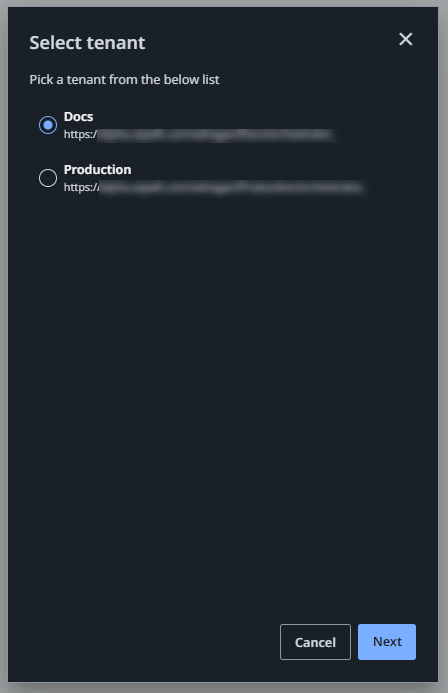
A list of tenants for the current account is displayed. Select the tenant that hosts the storage bucket you need to reference, then click Next.
-
The Add storage bucket wizard opens, displaying the list of storage buckets in the selected tenant, grouped by folders.
-
Select one or more storage buckets. The right-hand panel displays the details of the highlighted storage bucket.

-
Check the box next to the storage bucket you want to use in your app and click Add.
noteStorage bucket permissions are managed in Orchestrator. Make sure you have the right permissions for the storage bucket you want to add from Orchestrator.