Rule: Open URL
Use the Open URL rule to navigate to a specific URL.
For example:
-
Open a help document, in a new tab, when the user clicks on the help icon.
-
Open a new email when the user clicks a send feedback button.
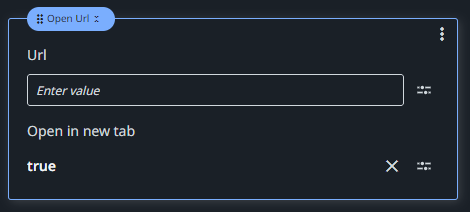
Url
Use the Expression editor  to write the URL you want to open. Use quotation marks, as the data type is String.
Open in new tab
If true, opens the specified URL in a new window tab. If false, the current browser window navigates to the specified URL. False by default.