Rule: Set value
Use the Set Value rule to assign a value to an item.
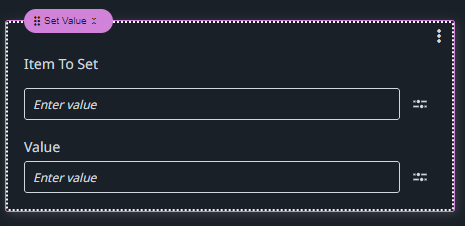
Item to set
Use the Expression editor to reference the item you want to set a value for.
Value
Use the Expression editor to reference a value for the item.
Example
For example, to set the output value of a process argument to a Label control, configure the fields of the Set Value rule as follows:
Item To Set: MainPage.Label.Value
Value: Processes.<process_name>.<outpit_argument>.Value