Rule: Show message
Use the Show Message rule to display a notification as an overlay on top of your app.
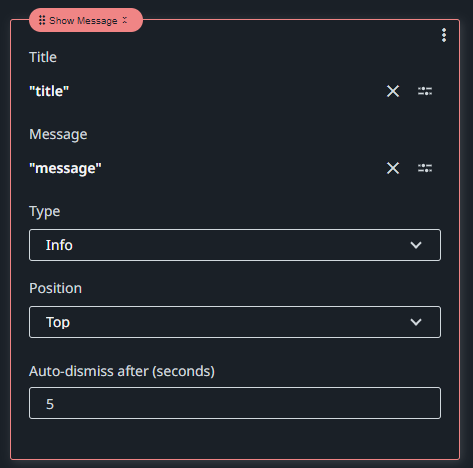
Title
The title of the notification. Use the Expression editor  to configure it.
Message
The content of the notification. Use the Expression editor to configure it.
Type
The type of the notification, which determines the icon and the color of the pop-up window.
Select one of the options:
- Info
- Success
- Warning
- Error
Position
The position of the notification pop-up, relative to the screen area.
Select one of the options:
- Top
- Bottom
Auto-dismiss after (seconds)
The amount of time in seconds the pop-up remains on the screen until is automatically closed.
Example
