Enable Document Understanding™
Before you can start using UiPath® Document UnderstandingTM, you need to activate the service from UiPath Automation Suite.
As a first time user of Document Understanding, use the following steps to enable the Document Understanding service in your tenant.
-
Log in to your Automation Suite account.
-
Go to the Admin page.
-
Select the tenant on which you want to enable Document Understanding from the list on the left side.
-
Go to Services.
-
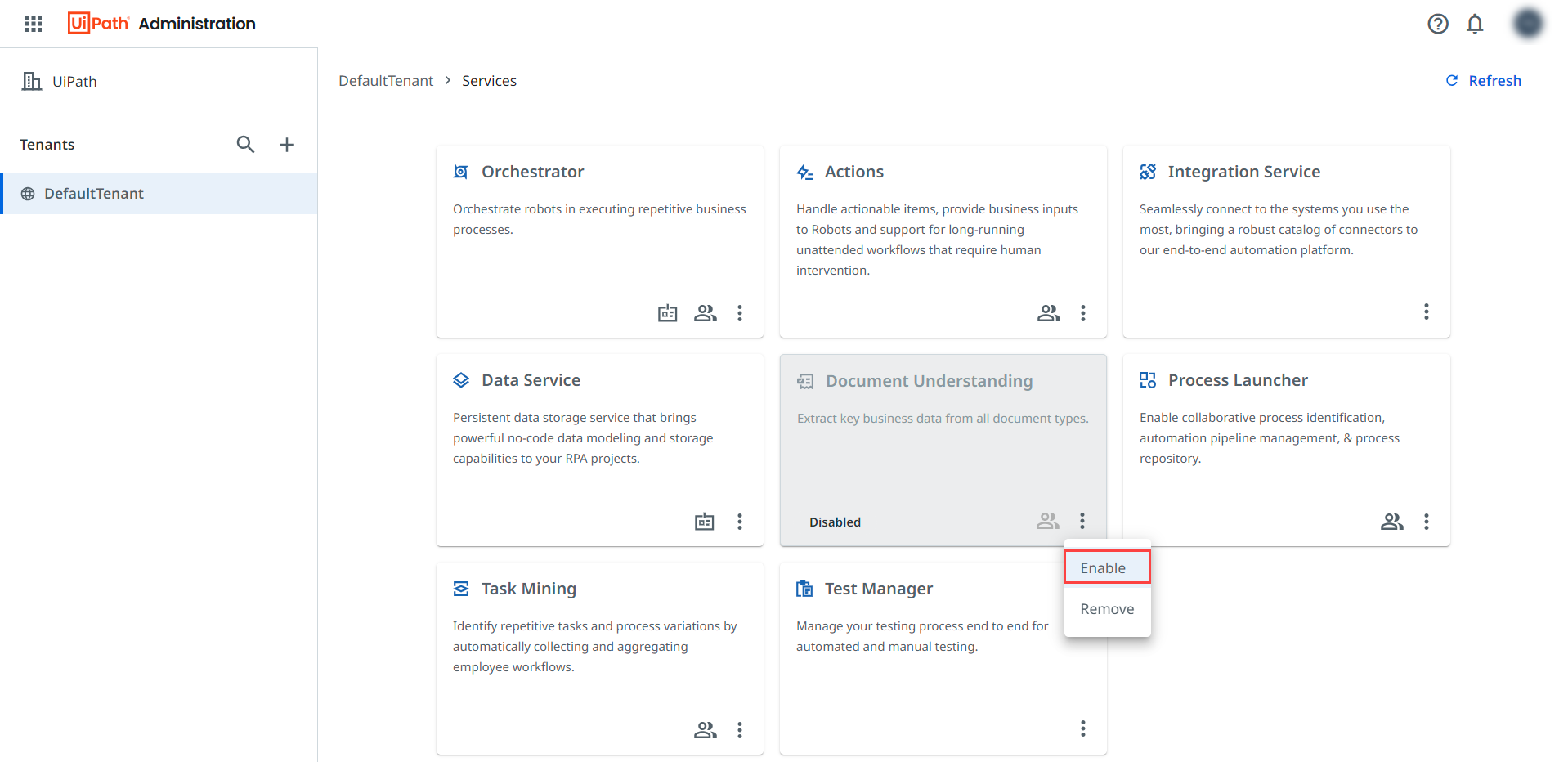
Select the three-dot icon ⋮ from the Document Understanding card.
-
Select Enable from the drop-down list.
Figure 1. Enable Document Understanding on your tenant
Document Understanding is now enabled on your tenant.