Azure Maps authentication
Prerequisites
To be able to create a connection, you require an Azure Maps Subscription Key.
Creating a subscription key for Azure Maps
- Login to Azure Portal.
- Search for Azure Maps.
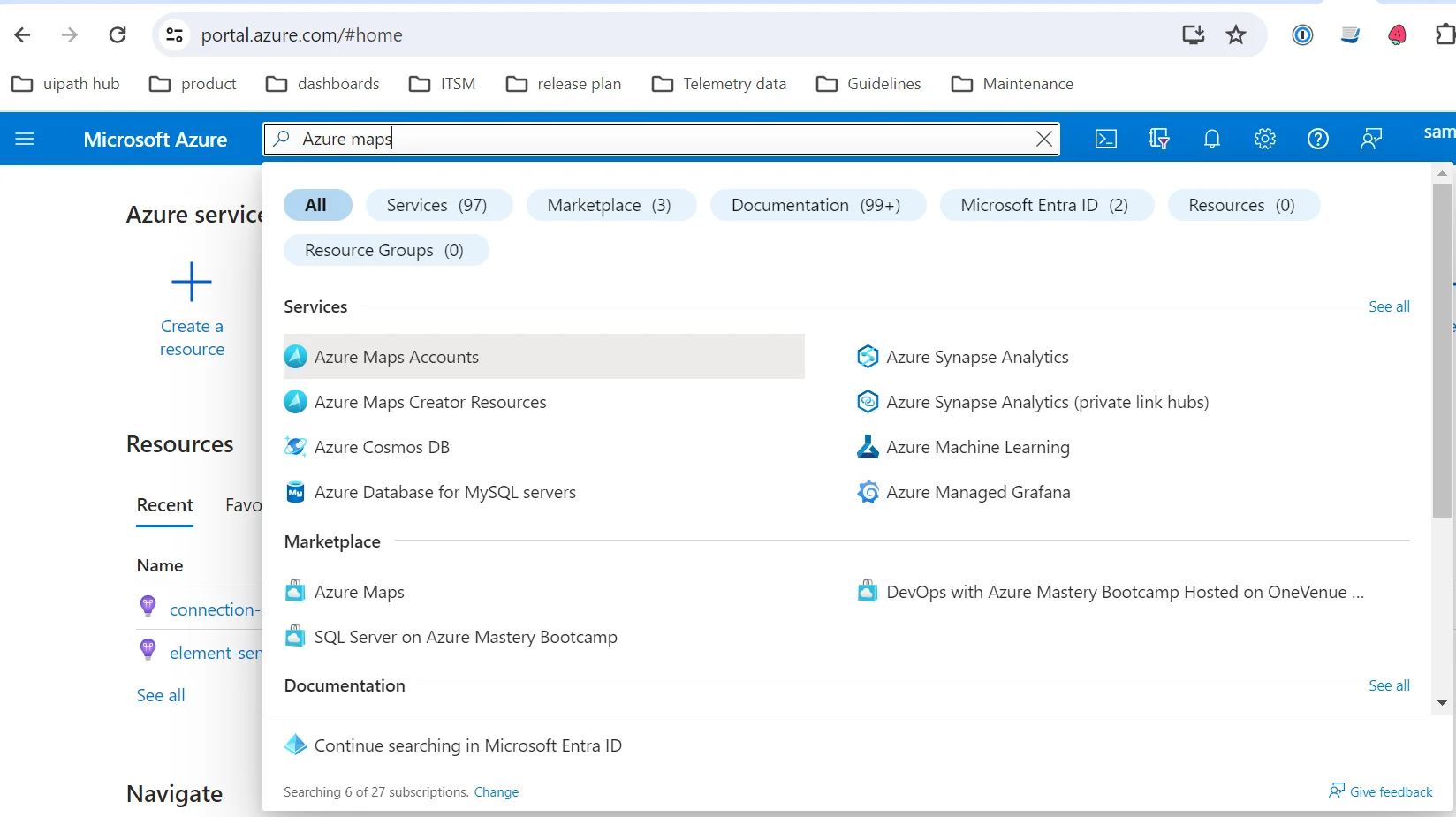
- Create an Azure Maps account.
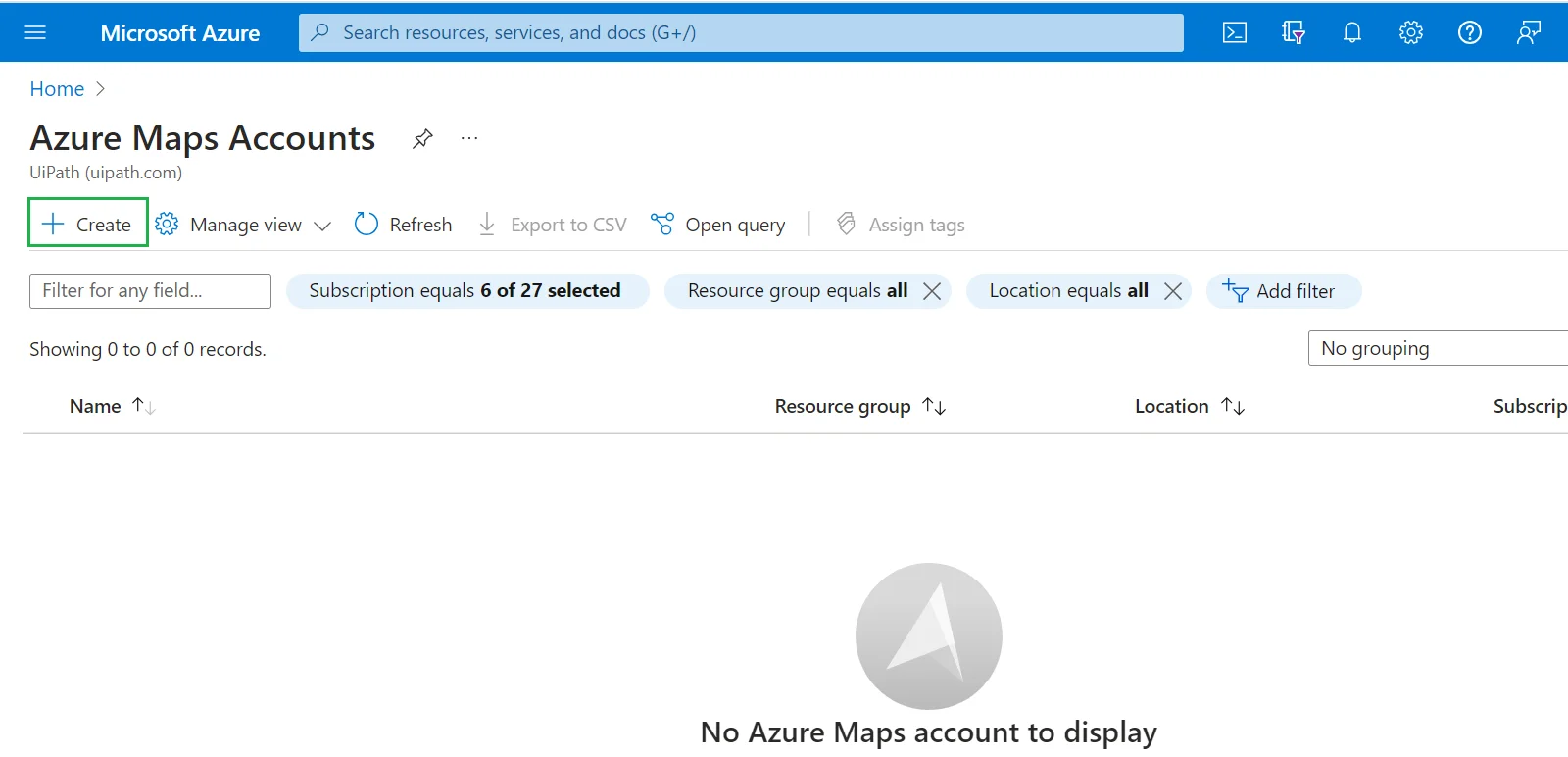
- Create an Azure Maps resource and generate the subscription key.

- When the key is generated, copy the Primary Key value and use it to create your connection in Integration Service.

For more information on this, you can view the official Azure documentation.
Add the Azure Maps connection
-
In Integration Service, select the Azure Maps connector and select Connect to Azure Maps.
-
Insert the Subscription Key for your Azure Maps instance and select Connect.
For any secret-type field, you can select the menu next to the field and choose Use credential asset to reference an Orchestrator credential asset linked to an external vault instead of entering the value directly. For more information, see Use credential assets for connections.