Quip authentication
Prerequisites
To create a connection, you need the following credentials:
- API access token
Retrieve your credentials
-
Log in to your Quip account.
-
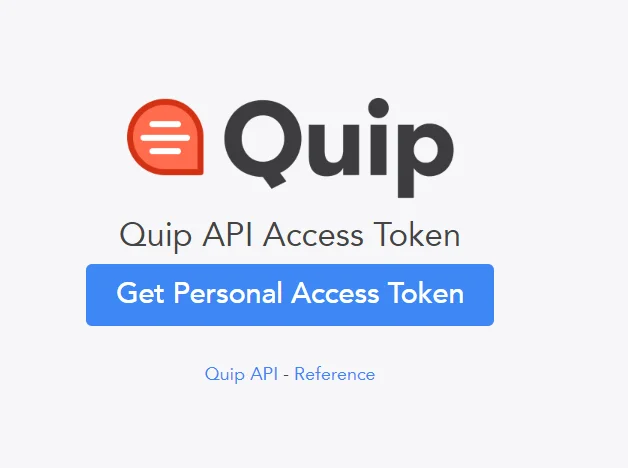
Access the following link: https://quip.com/dev/token.
-
Select Get Personal Access Token.
-
Copy the API access token and use it create a Quip connection in Integration Service.

Add the Quip connection
-
Select Orchestrator from the product launcher.
-
Select a folder, and then navigate to the Connections tab.
-
Select Add connection.
-
To open the connection creation page, select the connector from the list. You can use the search bar to find the connector.
-
Enter the required credentials and select Connect.
For any secret-type field, you can select the menu next to the field and choose Use credential asset to reference an Orchestrator credential asset linked to an external vault instead of entering the value directly. For more information, see Use credential assets for connections.
