Translate text
Translates text from one language to another. Supported languages include:
Arabic, Catalan, Chinese (Simplified), Chinese (Traditional), Czech, Danish, Dutch, English, Finnish, French, German, Hindi, Italian, Japanese, Korean, Norwegian Bokmål, Polish, Portuguese, Russian, Spanish, Swedish, Turkish
Properties
Common
- DisplayName - The display name of the activity.
Credentials
- APIKey - The API key generated for your Language Translator instance on IBM Cloud.
- URL - The URL generated for your Language Translator instance on IBM Cloud.
Input
-
From - The language of the inputted text. Accepts strings and
Stringvariables. -
Text - The text to be analyzed. Accepts strings and
Stringvariables. -
To - The language to which the inputted text is translated. Accepts strings and
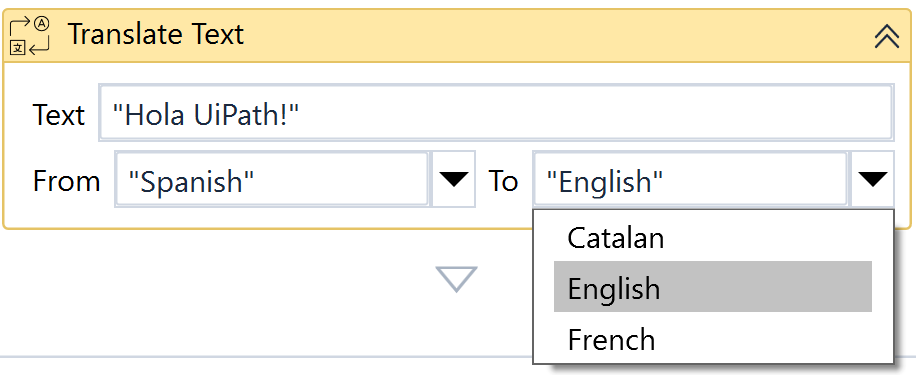
Stringvariables.importantNot all translations are supported yet. For example, Spanish may only be translated to Catalan, English, and French. To check if a translation is possible, select a From language in the activity and open the To field's dropdown menu, which will be appropriately populated.
See below
Misc
- Private - If selected, the values of variables and arguments are no longer logged at Verbose level.
Output
- Output - The translated text.