Resources
The Resources tab provides a cross-folder view of all resources available in your Orchestrator environment. It allows you to quickly identify, filter, and manage resources across different locations.
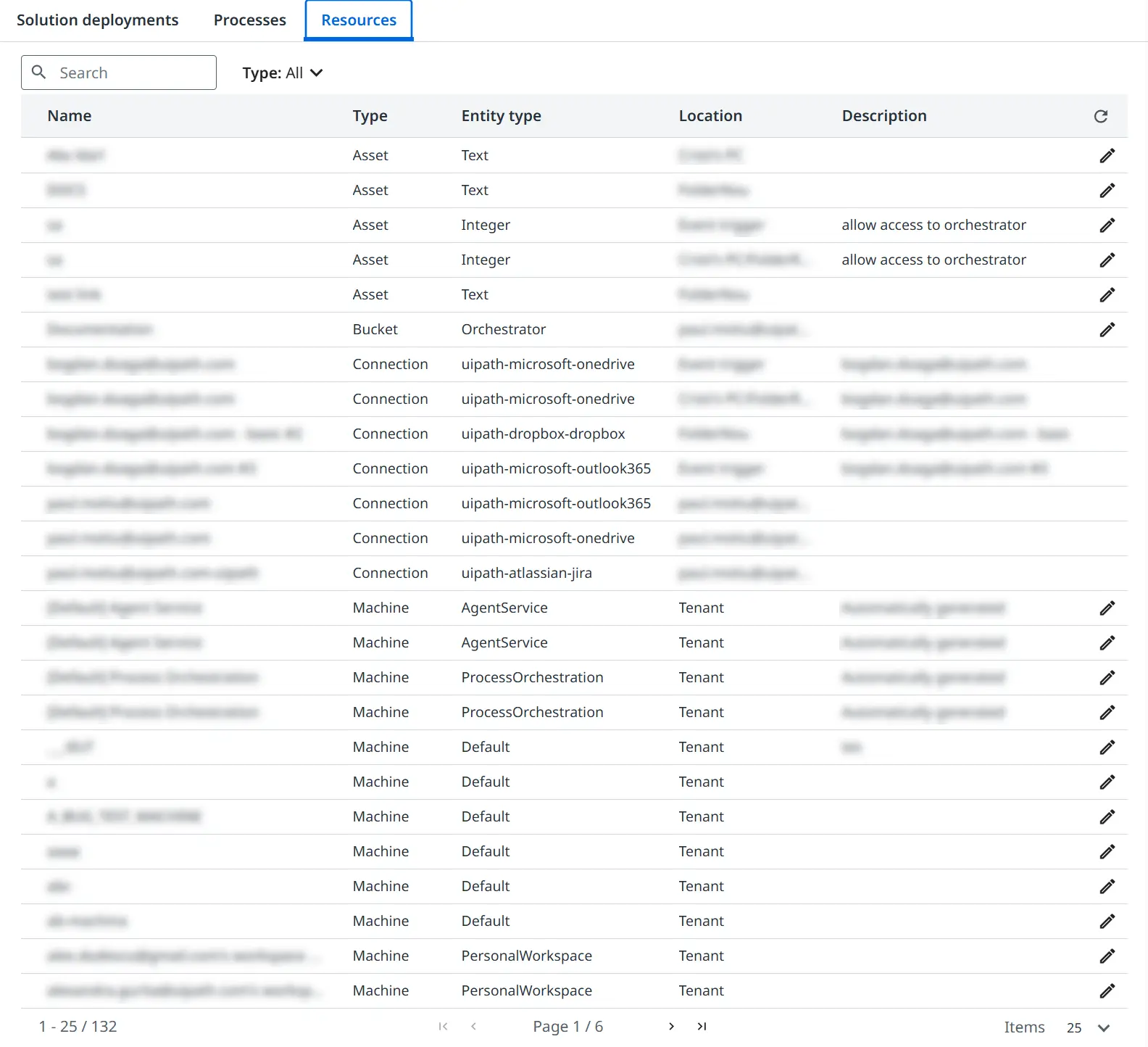
Viewing resources
The page displays a list of resources in a table with the following columns:
- Name: the name of the resource.
- Type: the resource type.
- Entity type: the associated entity classification.
- Location: the location where the resource is defined (for example, a folder or personal workspace).
- Description: a short description of the resource.
Use the Search field at the top of the page to quickly find a specific resource by name. You can also use the Type filter to narrow down results based on the resource type. The available options include:
- Queue
- Asset
- Bucket
- Machine
- Package
- Trigger
- Action Catalog
- Webhook
- App
- Business Rule
- Index
- MCP Server
- Memory Space
- Entity
- Connection
Managing resources
You can select the Edit button for each resource to open the corresponding edit page for the selected resource (for example, Edit Asset, Edit Machine), allowing you to update its configuration.