April 2023
April 4, 2023
Improvements
General app settings
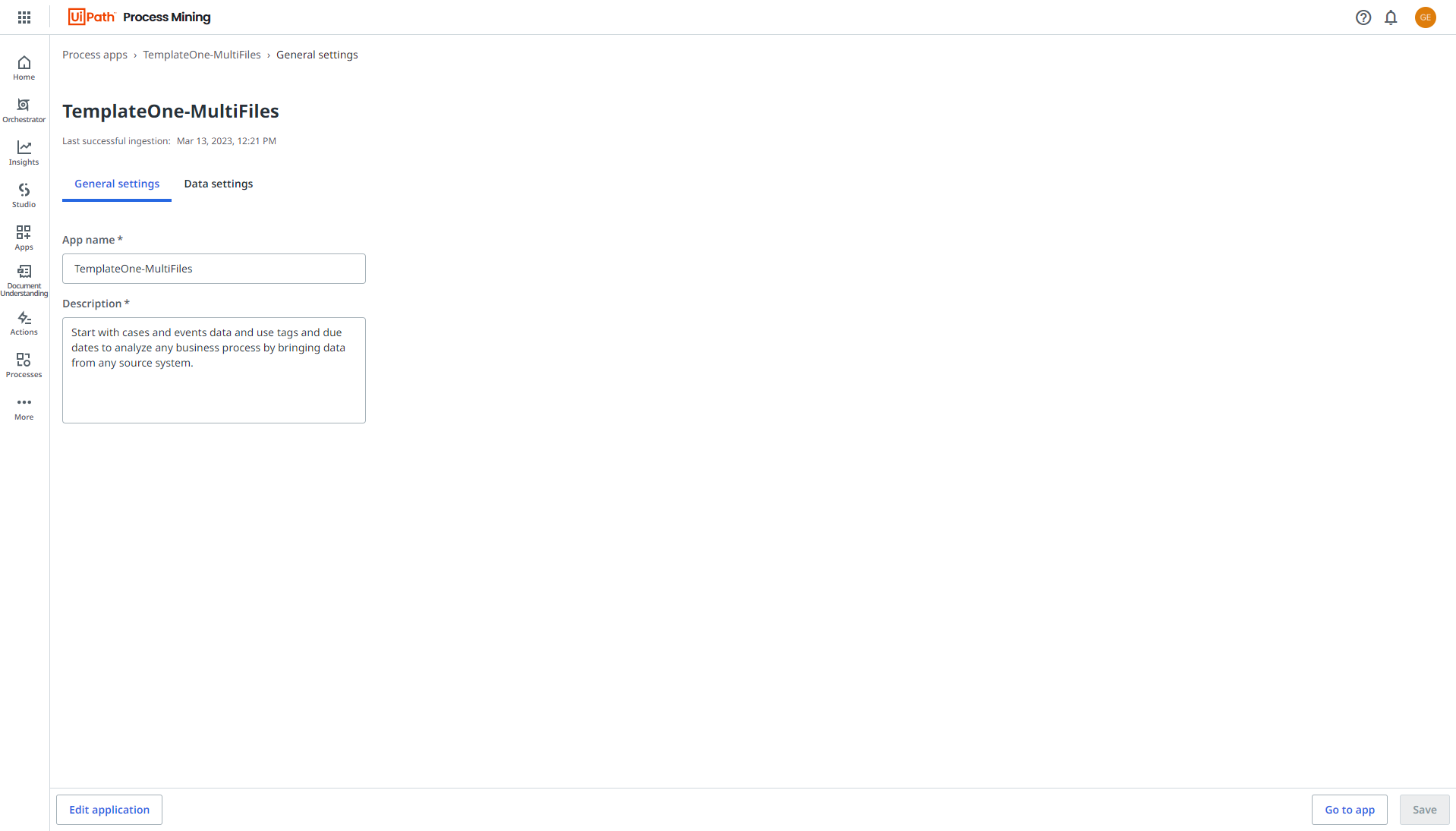
The layout of the General settings page for editing process app settings has improved. See the illustration below.
"Variant" label
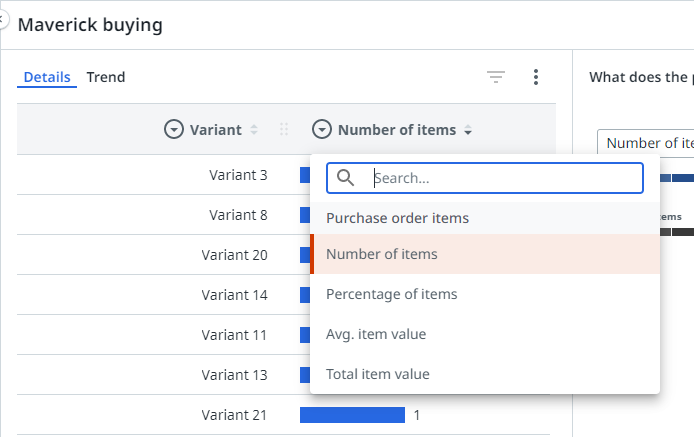
Variants now have the label "Variant" in filters and charts. See the illustration below for an example.
Root cause analysis
The start node now also contains a value (%). The value (%) in the start node is the global selected percentage, whereas the value (%) in the other nodes is the Influence (%) which represents the deviation of the node’s selected percentage from the global selected percentage.
Compare mode
-
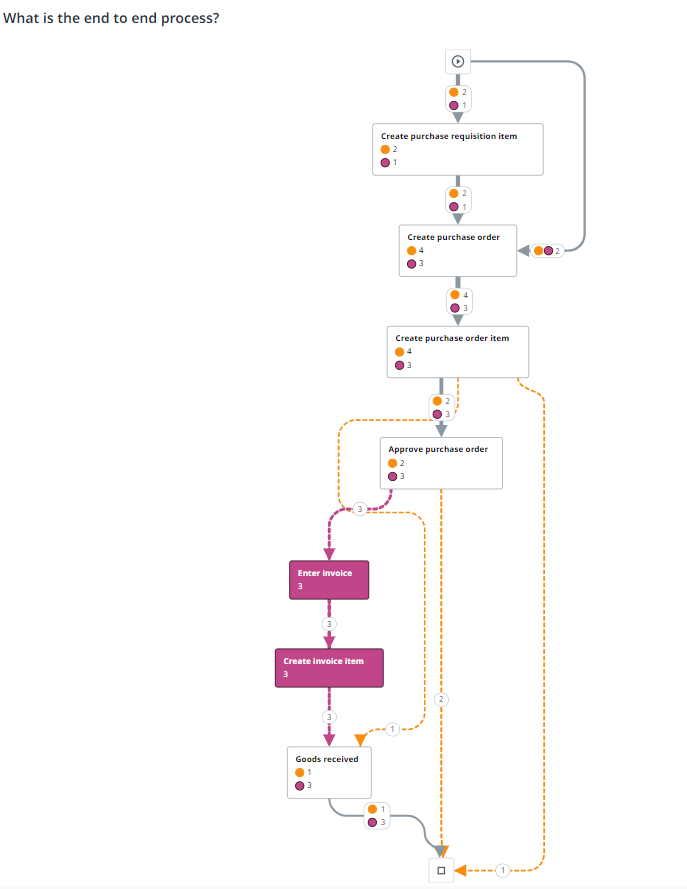
Similar activities for both Scenario A and Scenario B are now white and activities that are different for Scenario A and Scenario B have the color of the scenario. Deviating edges now have a dotted line.
-
The compare values are now displayed on nodes and edges in the Compare process graph.

-
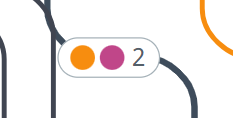
If nodes or edges have the same value for Process A and Process B, this is now also indicated.
-
Shapes and colors used for comparison are now consitstent when in Compare mode.