Table charts
Introduction
Table charts can be used to display values of different fields related to an object as a table with rows and columns. The following illustration shows an example of a table chart.
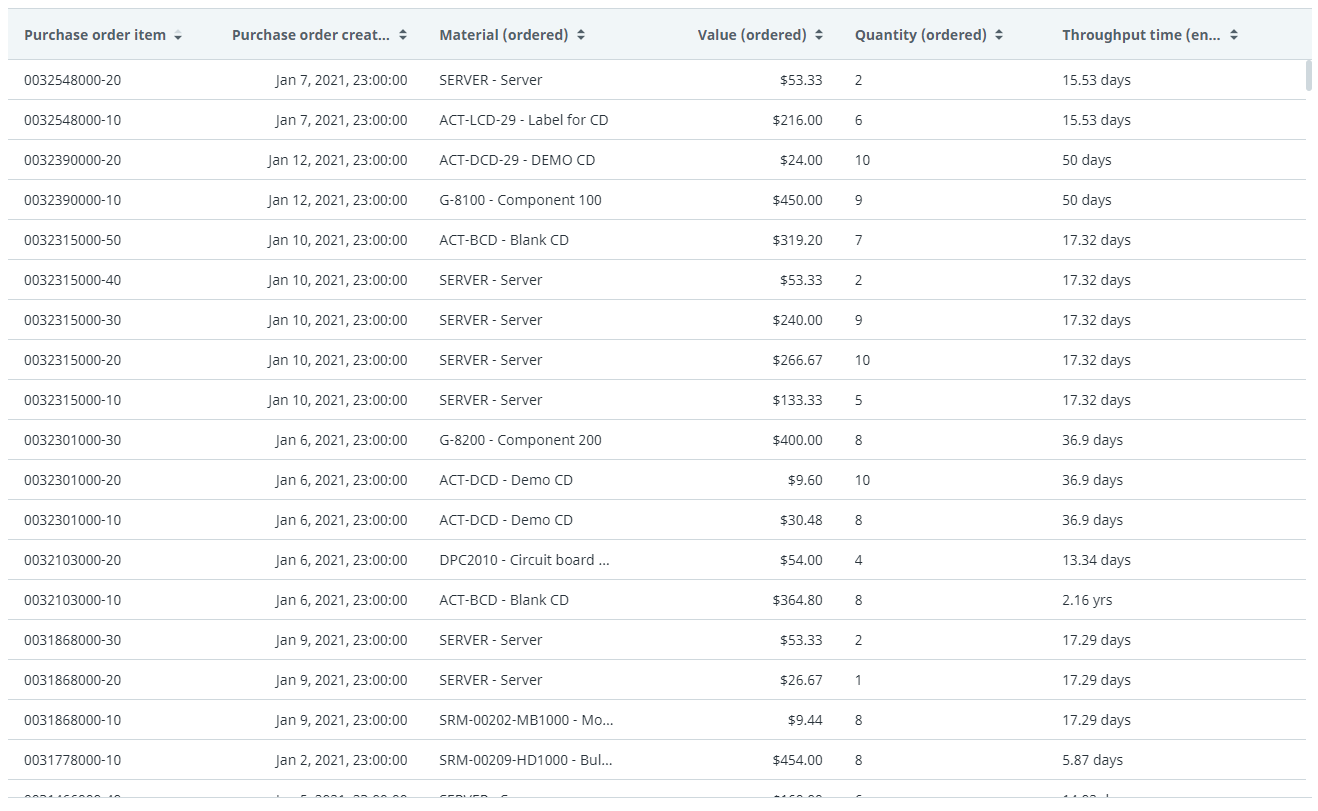
For a table chart, you select the columns you want to display.
Properties
You can edit the properties of a table chart in the Edit table chart panel.
Below is a description of the properties of the Table chart.
| Element | Description |
|---|---|
| Title | Text box that enables you to edit the title of the table chart. |
| Tooltip | Text box that enables you add a text that will be displayed as tooltip when the user hovers the mouse over the chart title in the published process app. |
| Columns | List box that enables you to select the columns that will be displayed on the table chart. |