Adding Due dates
Introduction
In UiPath Process Mining, a due date is defined as an activity that needs to occur before a specified date. Due dates are used to get information regarding cases meeting or not meeting deadlines and the related costs. Due dates can be predefined to set a significant stage or activity deadline in your processes. For example, SLA agreements or shipment dates.
See the illustration below for a dashboard showing due dates.
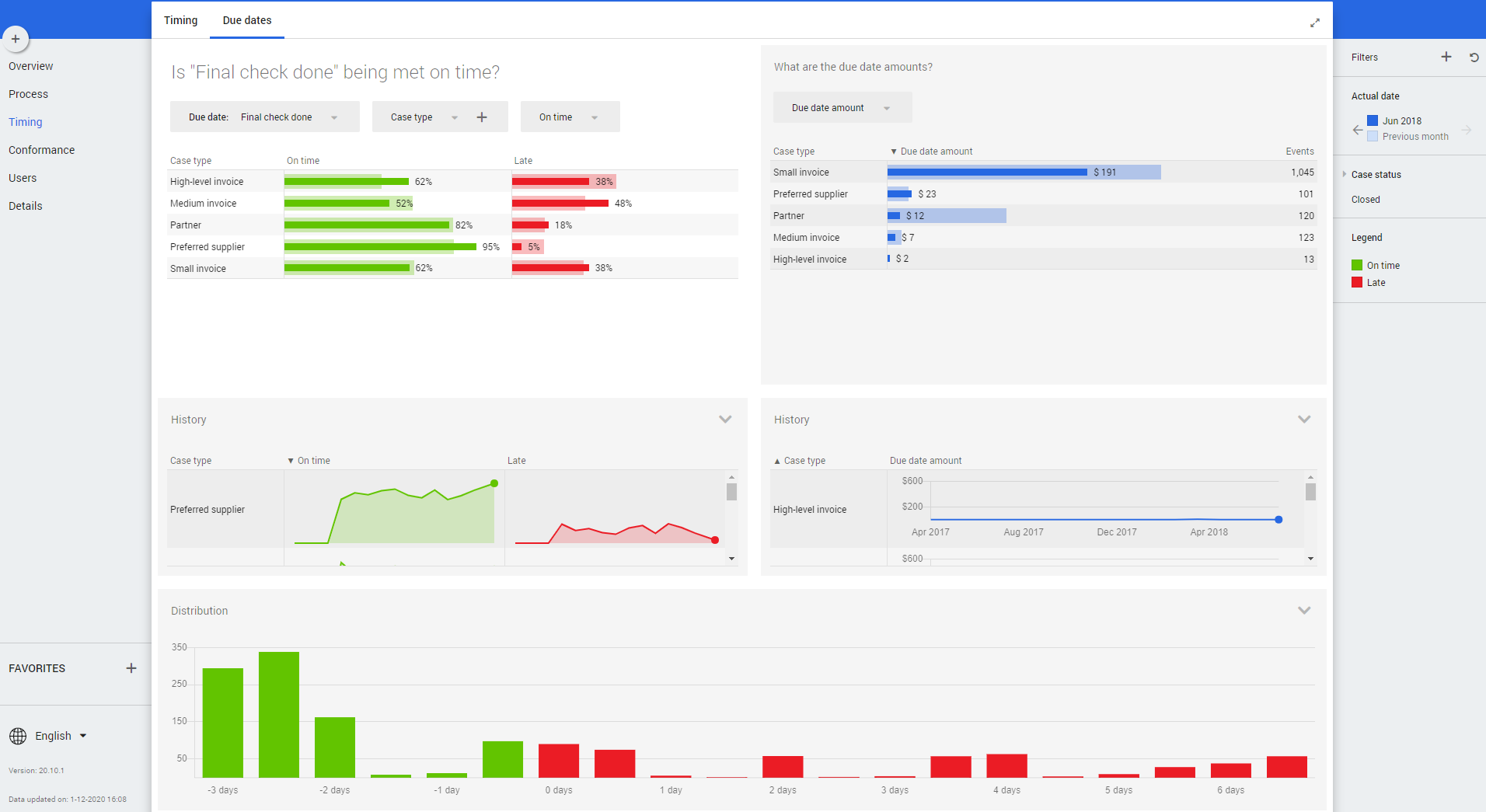
A due date checks the difference between the Actual date of the event and the Expected date of the event. By default, the actual date is defined as the value of the event end attribute. To create a proper due date, you must define the Expected date for the due date. Optionally, you can define the Due date amount, which is often referring to a penalty or a discount, and a Time bin, which is a description of whether the due date was met on time or not. For example, 1 day late or 3 days late.
Defining Due dates
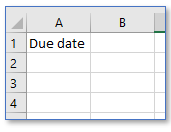
Create a Duedates.csv file and upload it to your workspace. It should only contain the headers Due date. See the illustration below.
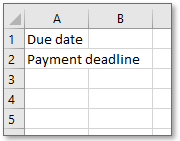
Update the file Duedates.csv in your workspace with the new due date. See illustration below.
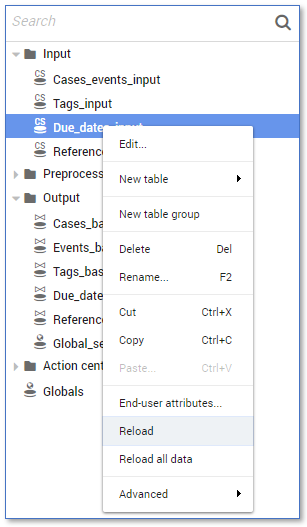
Reload the Due_dates_input table and to see if the due dates are visible in the connector. See illustration below.
Follow these steps to add a due date to your dataset.
| Step |
Action |
|---|---|
| 1 |
Create an expression representing the expected date for due date in the table Due_dates_preprocessing . For example, Expected date for Pay invoice :
Note: The name of a due dates expression, can only contain alphanumerical characters and spaces. Special characters (“”/-) are not allowed. |
| 2 |
Add the new due date to the case statement of the Expected date expression in the Due_dates_preprocessing table, and make sure it uses the expression created in step 1 `. See illustration below. |
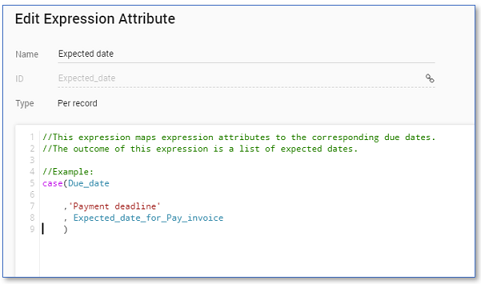
The due dates are available in the connector. When creating an output dataset, the due dates will be part of the output dataset and will be visible in the Timing - Due dates dashboard in AppOne.
The Due_dates_preprocessing table of the Basic Connector contains some helpful examples on tags. See illustration below.
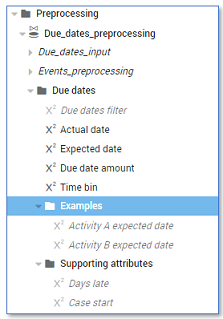
If you need to define additional expressions or attributes, set the Availability to Private. This will prevent you from additional unused attributes in your exported dataset.