Configuring a project to use your data
The resources used in an automation are often specific to each user, such as the connection for the account to use, the email folders and the cloud storage folders where emails and files are located. You must configure an automation to use your user data whenever you:
-
Create a project from a template that includes activities that contain user-specific data.
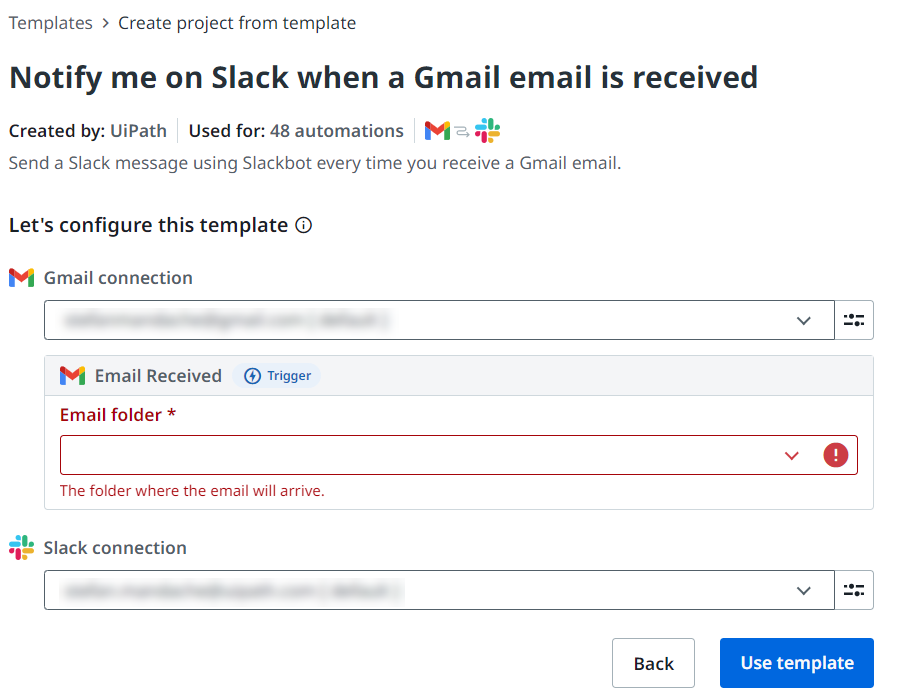
-
Open a project that another user shared with you, if it contains user-specific data. After you configure a project with your data, debug it to make sure if works as expected.
-
Run a shared published automation containing connections that are configurable by users.