Copying a Project to GIT
The Copy to GIT button in Studio Backstage view and status bar allows you to copy the current project to an existing GIT repository.
To do so first open or create a project in Studio. In the Team tab, select Copy to GIT and pick an existing GIT repository folder on your machine. The project is added to the local GIT repository and the Copy to GIT message box opens.
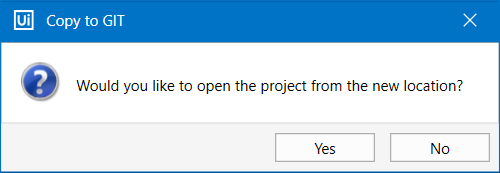
- Select Yes to open the project from the new location. The Commit Changes window opens. Write a Commit message and click Commit and Push or just Commit.
- Select No to return to the Studio user-interface.