Application Testing
Application testing requires working with large data sets to verify workflow execution and cover corner cases. Through data-driven testing, you can run the same test using different data variations within a single test case. For more information on performing application testing, visit Application testing with Test Cloud, and Application testing best practices.
To perform application testing in Studio, you can use the Test Automation project type.
Only App Test Developer users can create and publish Test Automation projects. If a project template is of type Test Automation, then only App Test Developer users can create and publish them.
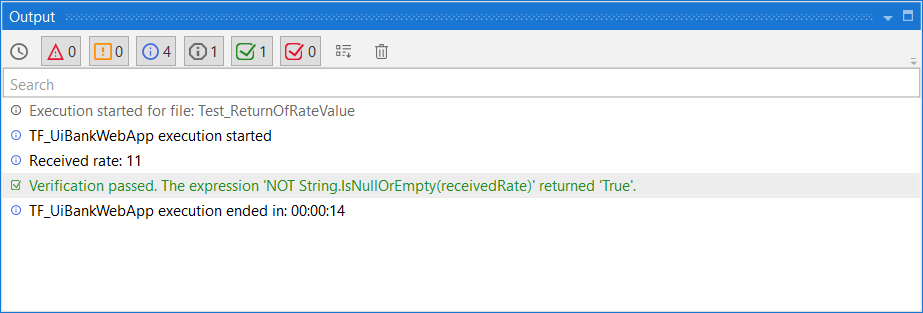
If you encounter an error for the activities of type Verify, from the Testing.Activities package, the execution logs the failed activity in the Output panel as opposed to stopping the workflow from running.
Check out the following additional actions: