Authentication Failed
Over HTTPS
When cloning a GIT repository, the Enter Credentials window is displayed with the message Authentication failed if the provided credentials were incorrect:
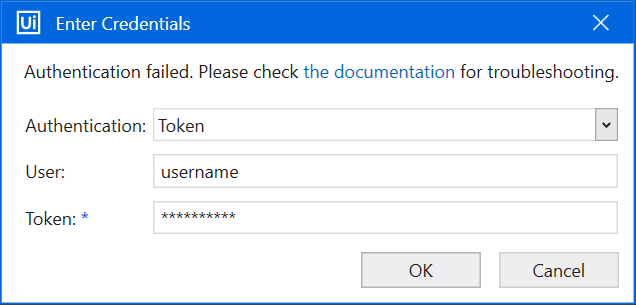
Enter the correct credentials and try again. You can also use Git Bash, for example, to clone your repository remotely and thus, check if the username and password are correct.
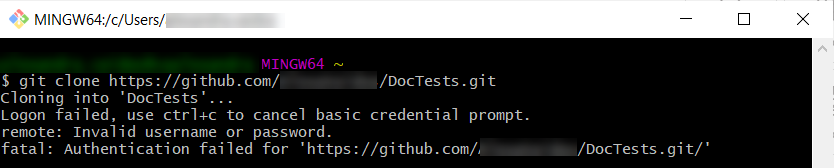
In the following image, we tried to clone a repository over HTTPS, but entered an incorrect password. The Git Bash window shows that the credentials were incorrect.
Over SSH
The following Enter Credentials window is displayed when authentication fails over SSH:
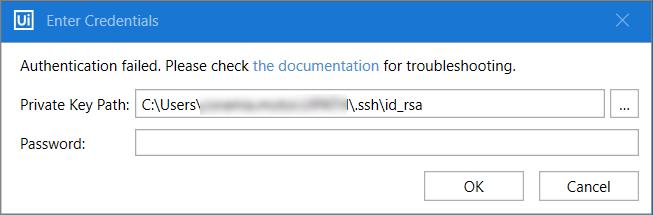
Enter the correct Private Key Path and Password and try again. You can also use Git Bash, for example, to clone your repository remotely and thus, check if the token and/or password are correct.
In the following image, we tried to clone a repository over SSH, but we didn't have any public SSH keys set up on our account.
