Open browser with non-default browser profile
Starting with UiPath Studio version 2023.10, the UiPath Extension for Edge can automate multiple browser instances, each with a different user profile, simultaneously.
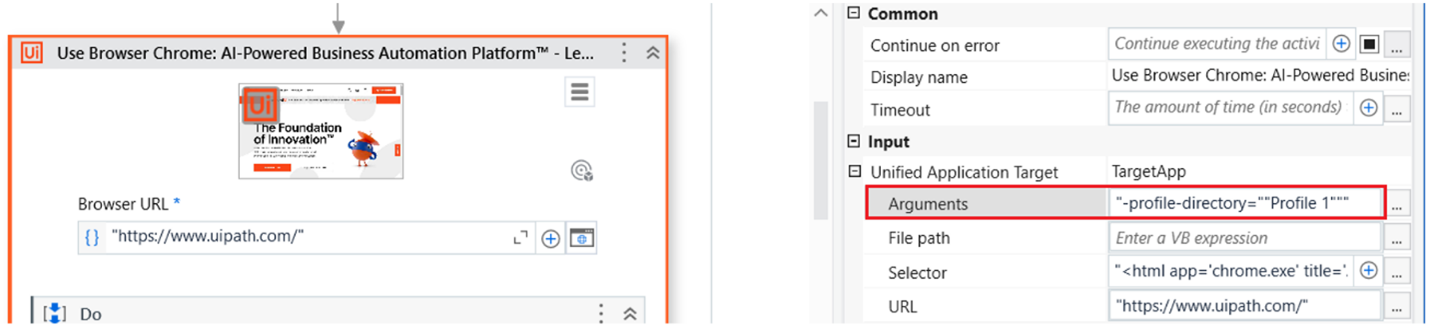
Even when using a single profile, you can open the browser with a non-default browser profile by using the Use Application/Browser activity. To specify a profile at browser start-up, you must append an argument to the browser command line through the Arguments property in the Unified Application Target input section.
For Edge, the required argument is: --profile-directory="profile_path".
The profile_path is the relative path to the User data folder path specified for that Use Application/Browser activity.
If the User data folder path is not specified, then the profile path is relative to the default user data directory %LOCALAPPDATA%\Microsoft\Edge\User Data.
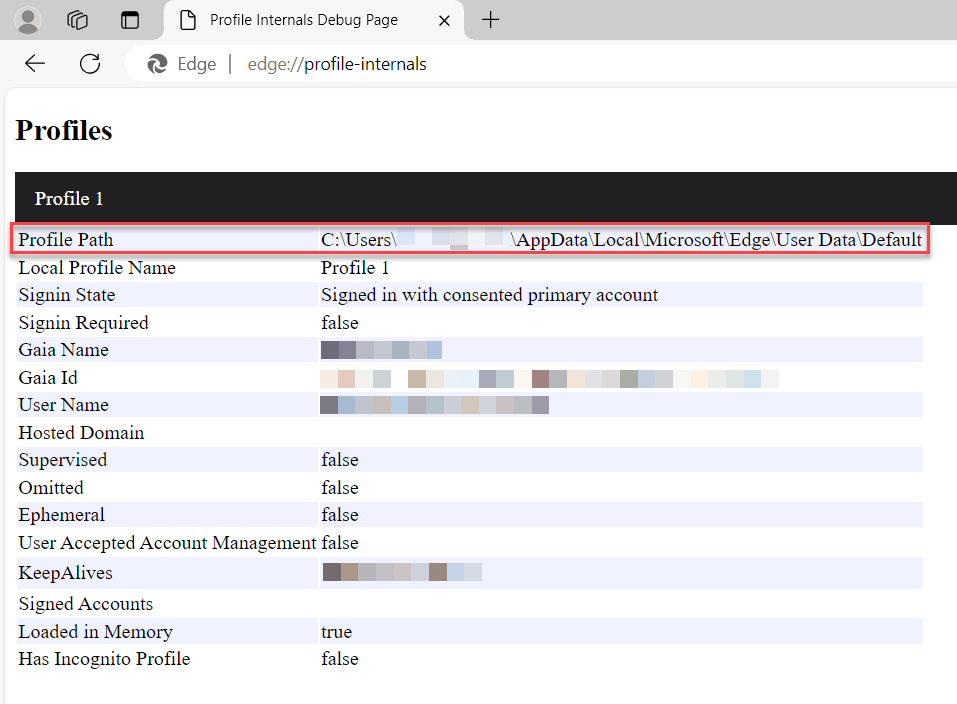
To find the profile path in Microsoft Edge, navigate to edge://profile-internals/ and retrieve it from the Profile Path entry.