SAP Solution Manager plugin
Install from Studio
-
Open Studio.
-
Navigate to Home > Tools > UiPath Extensions.
-
Select SAP Solution Manager > Configure.
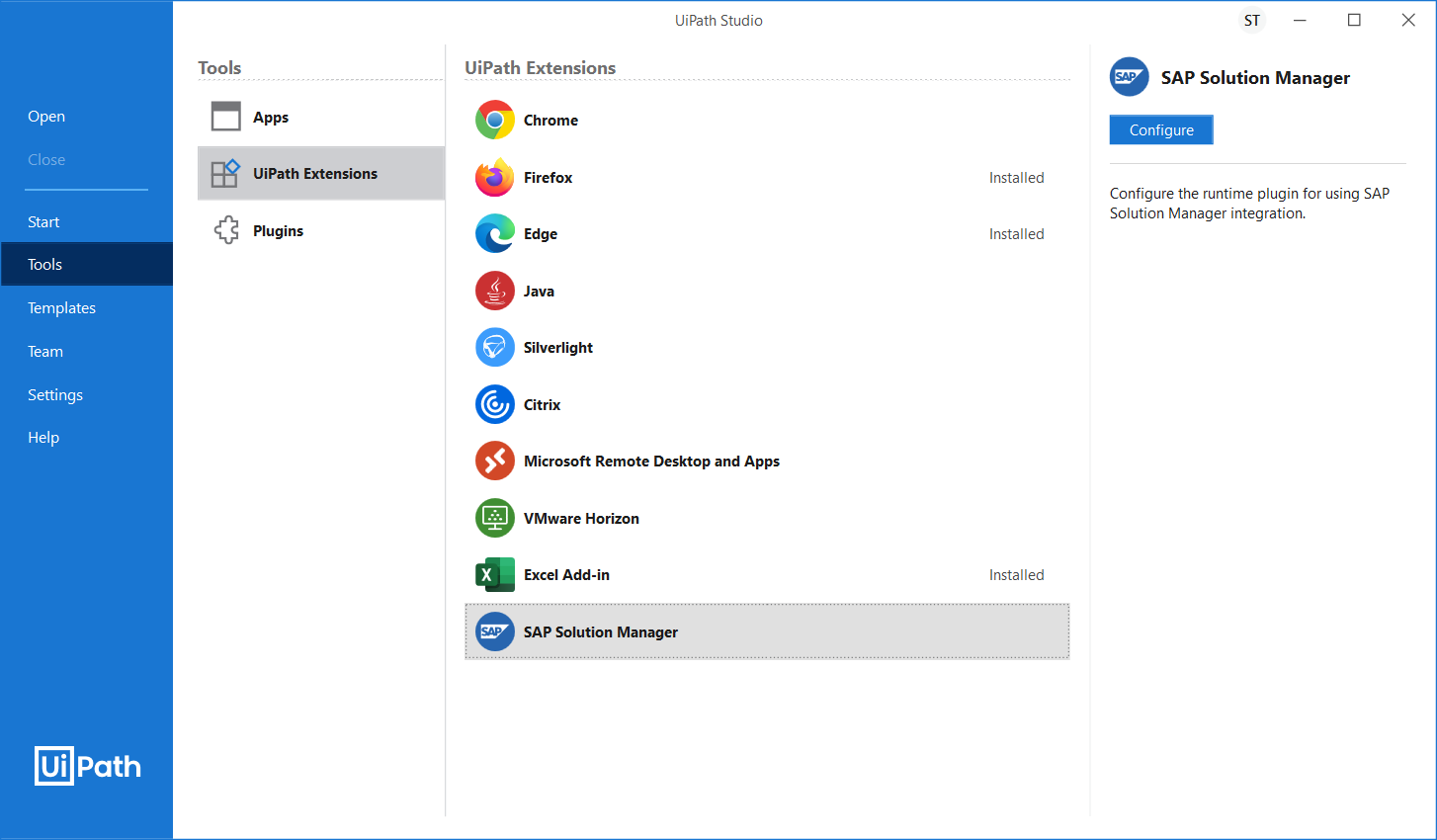
-
Provide an IP address for your SAP Solution Manager instance. This is used to connect to the right SAP Solution Manager instance, as internal and external addresses of the SAP Solution Manager instances can differ one from the other. The IP Address is stored in the
uipath.sap.dll.configconfiguration file and you can change it at any time. When using the SAP Solution Manager plugin at runtime, the configuration data will be retrieved from theuipath.sap.dll.configfile.
-
Click Ok to confirm and start the SAP Solution Manager plugin installation. You need to install the plugin with administrator rights to allow the UiPath SAP Solution Manager Service registration on your machine.
Install from the Studio installer
- Run the
UiPathStudio.msiinstaller. - Select an installation package, and then select Advanced Settings > Extensions > SAP Solution Manager.
- Provide a hostname or IP address of your SAP Solution Manager instance.
- Click Install.