Adding projects to Favorites
You can filter projects by using the favorites option.
To add projects to the Favorites section, use the steps below:
- Go to Projects Tab in Task Mining.
- Select the All tab.
Hover over the needed project and select the star icon.
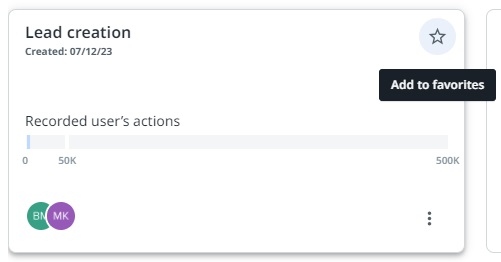
The selected project is now available for quick access in the Favorites tab.