Installing the recorder
Installation process
You can check the hardware requirements for the Recorder client in the Recording Client Overview section.
To install the Recorder, follow the below steps:
-
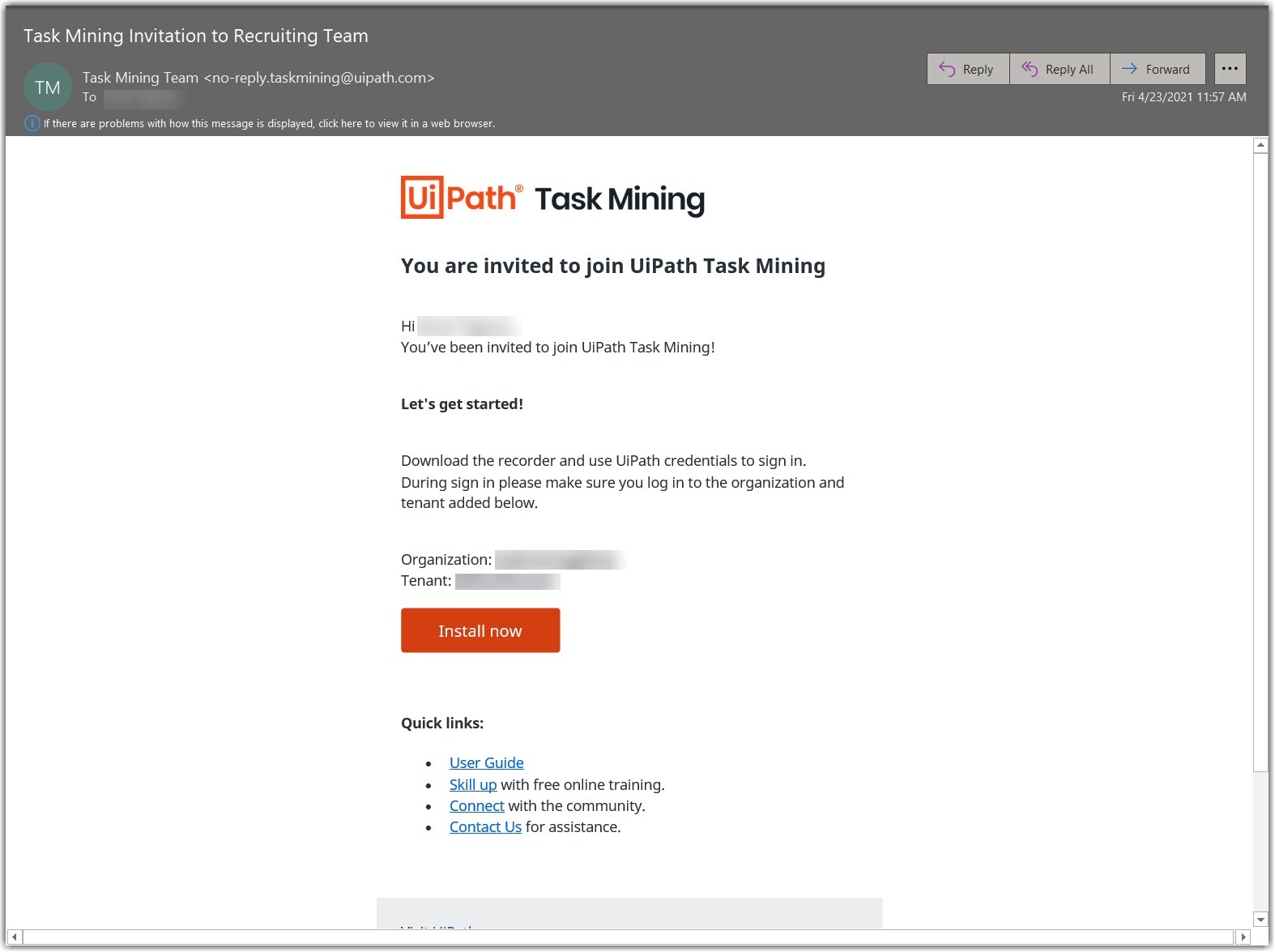
Check for the invitation email received from the Company Admin.
-
Click Install now.
-
Wait for the .exe or .msi file to be downloaded.
noteThe type of file you receive is selected by the Company Admin when sending you the invitation.
-
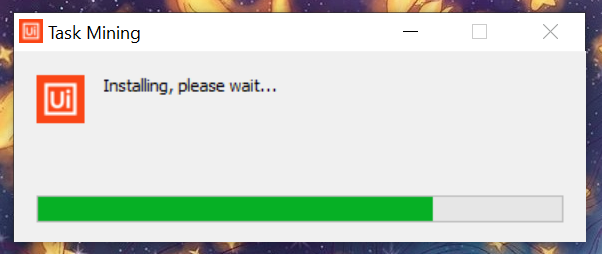
Click the installer and install the Task Mining application.
-
Launch the Task Mining application via a shortcut on your desktop or search for it via the Windows search function.