Assigning test cases to requirements
You can assign a test case to a requirement on the Test Cases page.
-
Open your project in Test Manager. If you do not have a project yet, see Creating a Project.
-
In the left navigation panel, go to Test Cases.
Click the test case key to open it.
-
Click Tasks and select Assign to Requirement from the dropdown list.
-
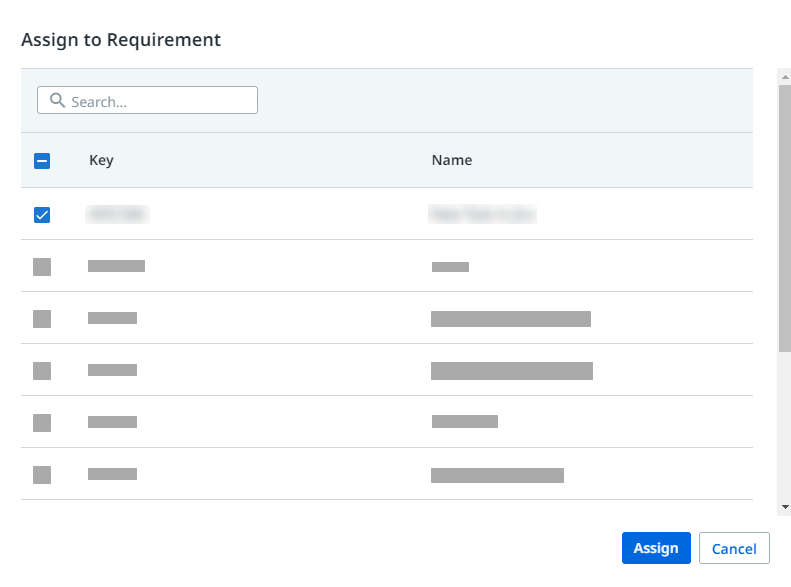
Select the requirement to be assigned to your test case. You can assign it to single or multiple requirements.
-
Click Assign to save changes. Alternatively, you can view the test cases that have been assigned to requirements in the Requirements page.